
What Is a Wallet Address? The Part of Your Wallet You Can Share
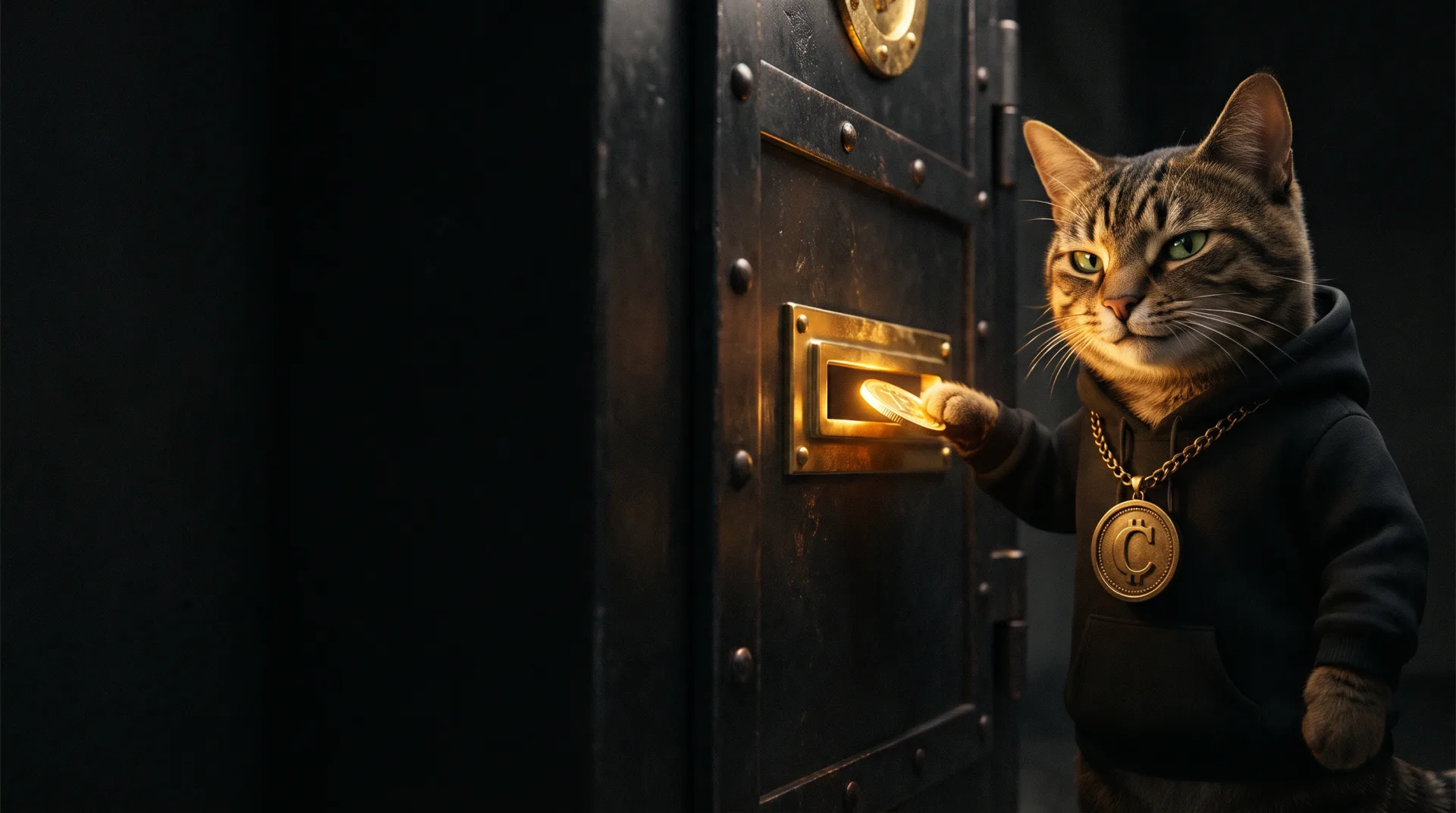
A wallet address is the public name of your crypto account. People use it to send you coins, and it is safe to share. Taking anything out needs your private key, the secret half of your wallet’s keys.
An address is the public half of a pair
Every Solana wallet is built from a pair of keys. A key here is a very long number that software generates for you. One half of the pair is private and must stay secret. The other half is public.
Think of a front door with a brass letter slot. The slot is your address. Anyone who knows where your door is can push a letter through. Only the person holding the key can open the door and take something out.

Solana’s documentation describes the pair plainly. It says a keypair “consists of a public key (used as the account address) and a private key (used to sign transactions).” To sign means to approve. So the public half is your address, and the private half approves anything leaving it.
The same page says an address is “displayed as a base58-encoded string.” In plain words, it is a long run of letters and numbers, written in a style called base58 that leaves out characters that are easy to confuse. Solflare’s guide says it “deliberately excludes characters that look similar to each other (like 0 and O, or I and l).”
That design goes back to Bitcoin. The Bitcoin wiki quotes the original source code’s reason: those characters “look the same in some fonts and could be used to create visually identical looking account numbers.”
Your private key and seed phrase, the words that can rebuild your wallet, are never shared with anyone. Our guide to private keys and seed phrases explains how they differ.
Where to find your wallet address
Your address lives in your wallet app. Two common Solana wallets, Phantom and Solflare, put it in slightly different places. Phantom asks you to pick a network, meaning the shared public record a coin lives on, also called a blockchain. For $CATE, that is Solana.
| Wallet | Where to look | How to copy it |
|---|---|---|
| Phantom app | Home tab, then Deposit, then Receive Crypto, then pick the network | Tap the copy button, or show the QR code |
| Phantom browser extension | Home tab, then Receive, then pick the network | Click the copy button, or show the QR code |
| Solflare app | Near the top of the home screen, below the wallet name | Tap the address |
| Solflare browser extension | At the top of the window | Click the address |
A QR code is a square barcode that holds the same address in picture form, so a phone camera can read it. Solflare calls it “often more reliable than copy-pasting on mobile.”
Phantom’s help centre describes the address as “a public identifier you can share to receive crypto.” It also covers an awkward case. If you cannot sign in, you can still find your address in an old transfer into your wallet.
Open the exchange, a company that buys and sells crypto for you, or the wallet that sent it, and copy the transfer’s ID. Then use a block explorer, a public website that shows everything recorded on a network. Phantom gives Solscan as an example for Solana. Paste the ID there, and the receiving address in that transfer is yours. Phantom notes the address you find “is for the network used in that transfer.”
Is it safe to share your wallet address?
Yes. It is meant to be shared, because it is how people send you crypto. Solflare’s guide is direct about it. Someone with your address cannot, in its words, “access your wallet, move your funds, or control your assets in any way.”
Sharing does give one thing away, and it matters before you post an address. Anything recorded on the network, which crypto people call onchain, is public. Phantom’s explorer guide puts it in one sentence: “Anyone who knows your wallet address can view its onchain balances, token holdings, and transaction history.”
Your name is not attached to an address. Solflare notes that people will not know who owns it “unless you’ve connected it to your identity somewhere.” That could be an exchange that checked your ID, or a post under your own name.
So it is safe for your money, but not private. To keep an address you post in public apart from your main holdings, use a separate wallet for it. Solflare’s guide says using different addresses “for different purposes” makes your activity harder to piece together. Harder is not the same as impossible.
Sharing your address is also not the same as connecting your wallet to a website. Connecting lets the site ask you to approve things, and approving the wrong thing is one of the ways wallets get emptied. Phantom’s security tips say not to connect “to any site you did not seek out yourself.” We explain the risks in how wallets actually get drained.
One Solana address takes every Solana token
You do not need a separate address for $CATE. A token is a coin that somebody created on top of a network, and Solana tokens are called SPL tokens. Solflare’s guide says that on Solana, “your wallet address can receive SOL and any SPL token.” $CATE is a Solana token, so it arrives at the same address.
Behind the scenes, each token sits in its own small storage space tied to your address, which Solana’s documentation calls a token account. The sending app finds the right one for you, so you only ever hand out your main address.
The first time a new token arrives, opening that space needs a small refundable deposit in SOL. Our guide to what SOL is covers that deposit and why you should always keep a little SOL spare.
Your address is also not the same as a token’s address. Every token has an address of its own that names the token, not a person. The two look alike, and our guide to what a contract address is explains how to tell them apart.
Different networks, different addresses
An address belongs to one network. Solana, Ethereum and Bitcoin are separate networks, and their addresses are not interchangeable.
Solflare’s guide says you cannot send SOL to an Ethereum address or ETH, Ethereum’s coin, to a Bitcoin address, because “the networks are entirely separate systems.” Even the formats differ. An Ethereum address always starts with 0x. A Solana address never does, because base58 has no zero.
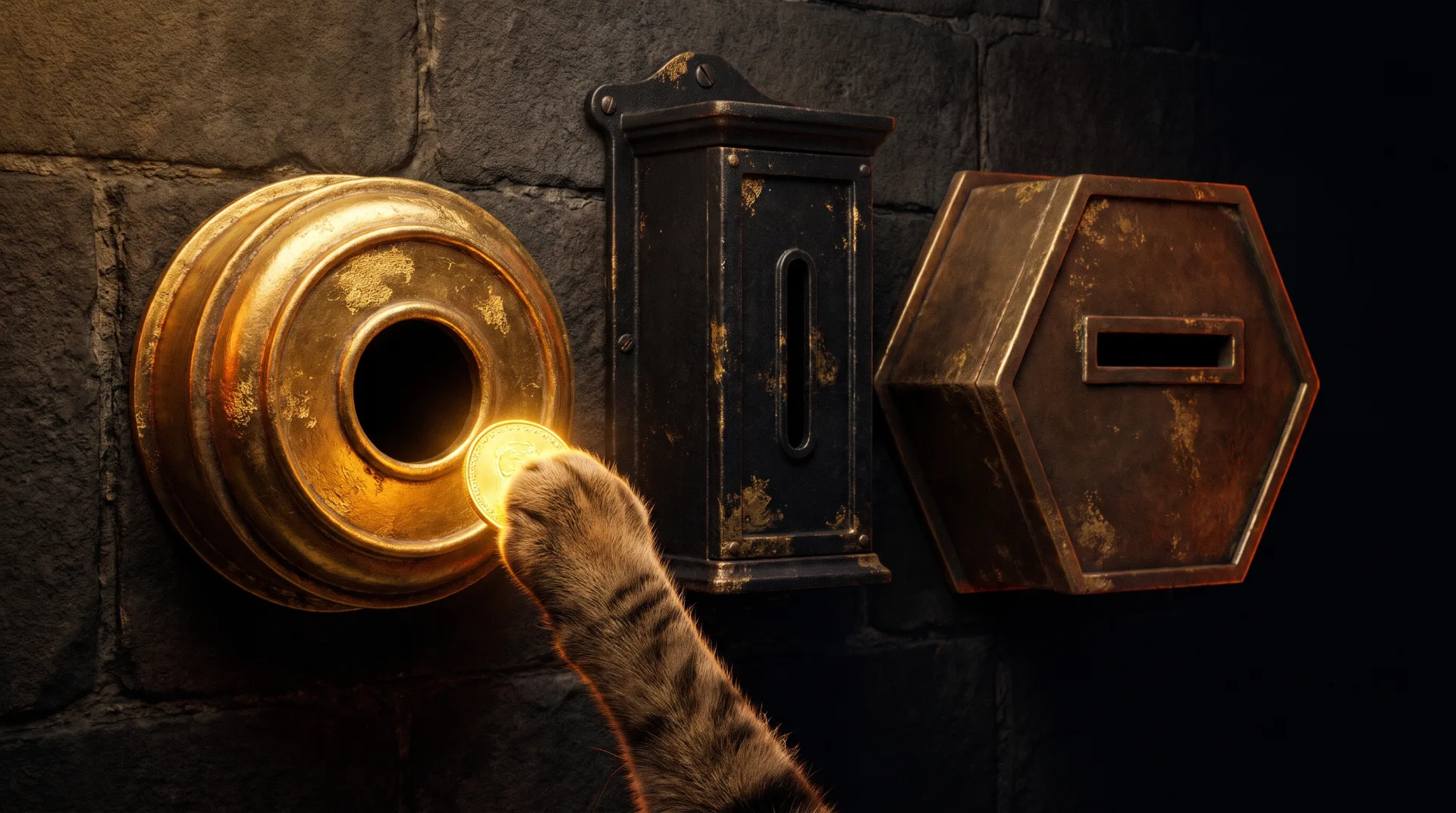
Wallets that support several networks show you several addresses. Phantom’s help centre says “each supported network has a deposit address.”
There is one twist. Phantom adds that a group of networks built like Ethereum share a single address, “but transfers still need to use the correct network.” So two networks can show the same address, and you still have to choose the right one when you send.
Before you send to any address
Addresses are unforgiving. Solflare’s guide warns that if you send to the wrong address, “the funds go there, and the transaction can’t be reversed.” Nobody can undo it, so three habits matter.
- Copy, never type. One wrong character makes a completely different address. Use the copy button or the QR code every time.
- Check the whole address, not only the ends. The two wallets’ advice differs here. Solflare suggests “double-checking the first and last few characters of an address before confirming.” Phantom’s security tips go further: “Before sending funds, always verify the full wallet address. Avoid copying addresses from transaction history.”
- Send a small test first. For a new address, send a small amount, confirm it arrived, then send the rest.
Phantom’s version is the safer one. Its tip matches a scam called address poisoning. MetaMask’s support page, from another wallet maker, describes attackers who “send you a tiny transaction from an address that closely resembles one you’ve used before, hoping you’ll copy it by mistake.” MetaMask’s advice is to look hard at the middle characters, not only the start and end. We walk through the scam in moving crypto to a cold wallet, meaning a wallet kept offline.

Frequently asked questions about wallet addresses
In your wallet app. In Phantom, go to the Home tab, tap Deposit, then Receive Crypto, pick the network, and tap the copy button or show the QR code. In Solflare, tap the address near the top of the home screen, below the wallet name.
Yes. With your address, a person can send you coins and see what the address holds, but they cannot move anything. Never share your private key or seed phrase, which can move everything.
On Solana, it is a long string of letters and numbers written in a format called base58, which leaves out look-alike characters such as 0, O, I and l. Ethereum addresses start with 0x and Bitcoin addresses often start with bc1. We do not print a real one here, because a real address belongs to somebody.
On Solana, a wallet’s address stays the same, because it is the public key of that wallet’s keypair. You can add more wallets in the same app, and each one gets its own address, balance and history. Solflare says several addresses can come from one seed phrase.
Not with the address alone. Moving your coins needs your private key, your seed phrase, or your approval on something you signed. Phantom’s security tips focus on links “asking you to connect your wallet to claim tokens, receive airdrops, or unlock rewards,” and on checking the full address before you send. An airdrop is a free token giveaway, and our guide to airdrop scams shows how the fake ones work.
If you remember one thing
Your address is the letter slot, not the key. Share it freely, copy it fresh from your wallet app, and check every character before you send. Keep the key, meaning your private key and seed phrase, to yourself.
If you are setting up for the first time, our guide to setting up a crypto wallet walks through it. When you want to read what a block explorer shows, check any Solana token yourself shows you how, step by step.
Sources checked 9 November 2026: Solana’s documentation on account structure and verifying an address; Phantom’s help centre on finding your wallet address, block explorers and security tips; Solflare’s guide to what a crypto wallet address is; MetaMask on address poisoning; and the Bitcoin wiki on base58 encoding.
Official contract address · Solana
Ai66LHZG9MCzg1WKdawwqduVAXpNDUuV8M3uyq5ppump